A LITTLE MUSE. A LOT OF POSSIBILITIES.
Everyday moments.
Made into stories.
Find your style. Add your words. Make it yours. A thoughtful little studio for videos that feel like you.
Made for iPhone & iPad · iOS 17+

big stories.
START WITH A FEELING
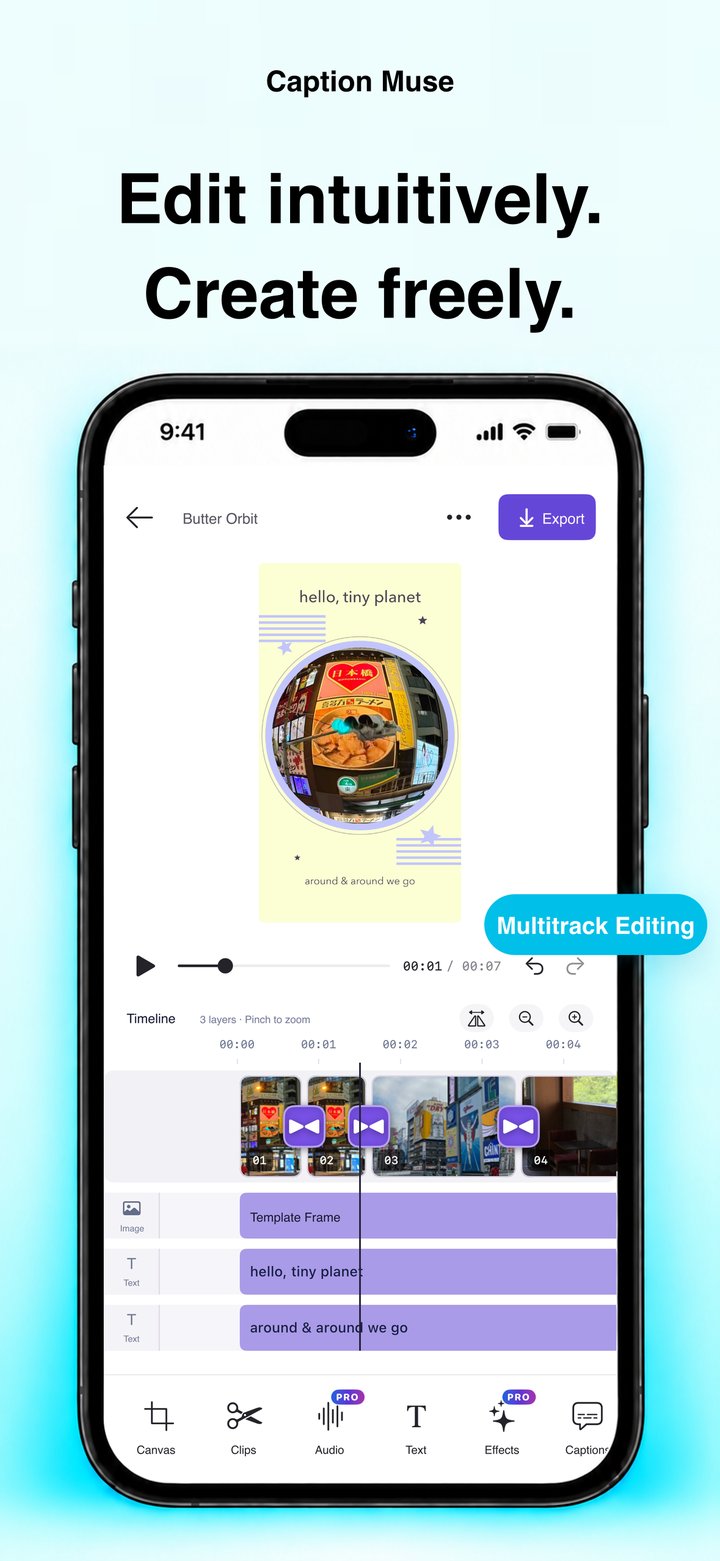
A little inspiration.
A style all your own.
From soft little diaries to a postcard after dark. Give your clips a frame that feels right.

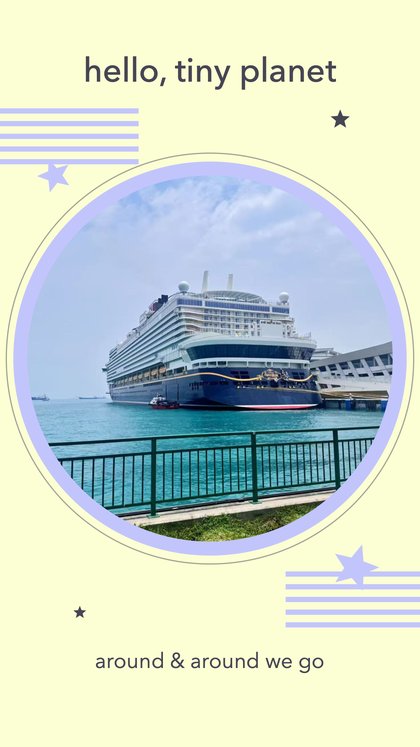


A few favorites from the template collection. Add your own photos, videos, and words in the app.
YOUR WORDS, IN THE FRAME PRO
Say it your way.
Let every word land.
Turn speech into editable captions, then find the font, color, and motion that suit your story. Keep the timing in your hands, right down to the word.
- Editable auto captionsReview every line
- Fonts, color & animationMake it feel like you
- Video & SRT exportReady for your next step
MORE PRESENT. LESS REHEARSAL. PRO
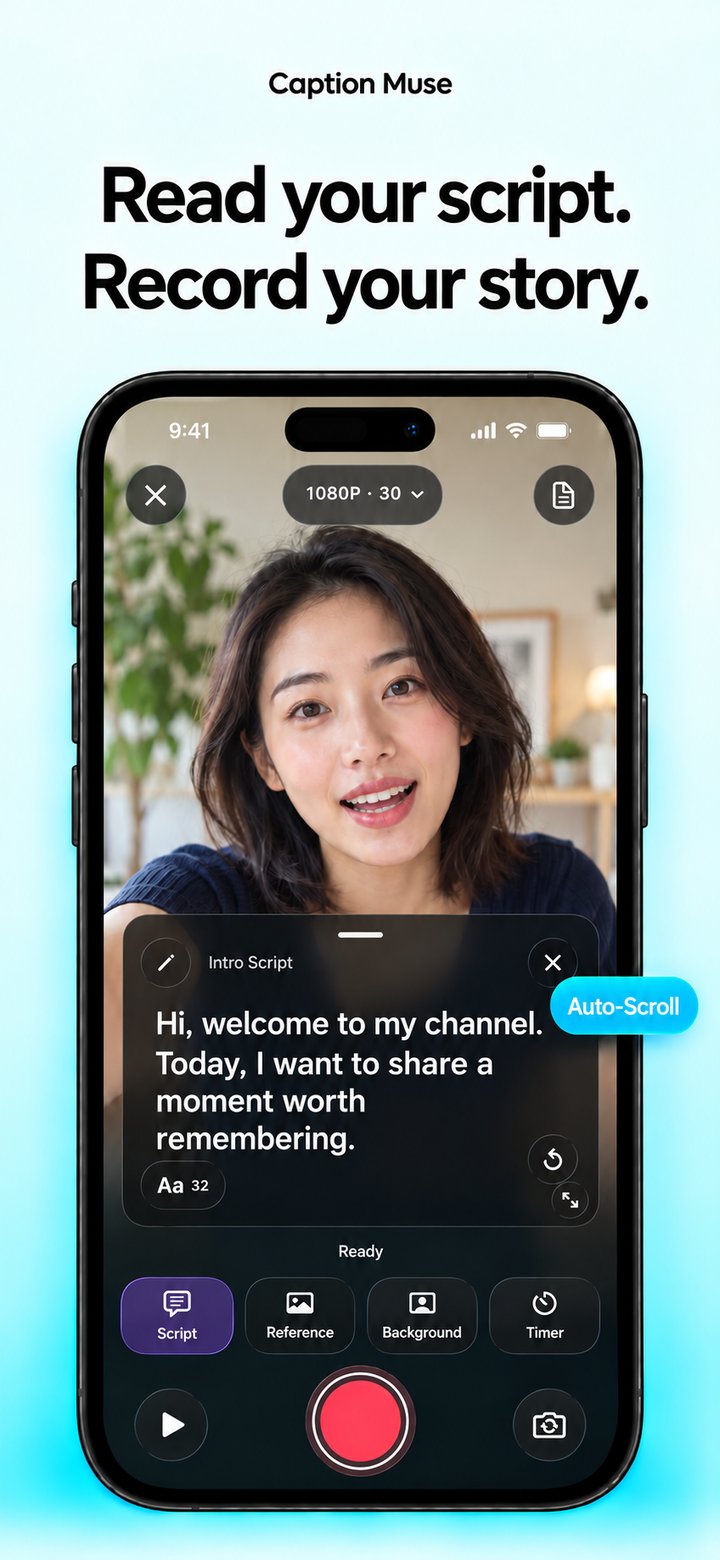
Know your words.
Stay in the moment.
Keep your script close and your eyes up. Write or import a script, set a comfortable pace, and record with the built-in teleprompter.
- Your own script libraryWrite or import TXT
- Adjustable scrollingYour size, your pace
- Record, then keep creatingContinue in the editor
YOUR STORIES BELONG TO YOU
Create on your device.
Share on your terms.
Your projects stay on your device by default. Apple online speech recognition and Pro iCloud sync are optional. You choose when to enable them.
Our approach to privacyA FEW GOOD QUESTIONS
Before you
hit record.
A little clarity for your next creative moment.
What can I create with Caption Muse?
Edit videos with captions, text, overlays, and sound; make photo and video stories with original templates; or record a scripted video with the teleprompter. All in one app.
Are bilingual captions translations?
You can select two speech languages to recognize mixed-language audio. Bilingual recognition does not translate your words. Review the generated captions before sharing.
Can I use it offline?
Editing uses your local media, and speech recognition prioritizes on-device models. Some language models need an initial download. Purchases, optional Apple online recognition, and optional iCloud sync need a connection.
Which features need Pro?
Auto captions, templates, teleprompter-assisted recording, advanced editing, and higher-resolution exports require Pro. Basic editing can export at 720p. The app shows current plans and prices before you purchase.
How do subscriptions work?
Monthly and annual plans renew automatically unless canceled; lifetime access is a one-time purchase. Manage subscriptions in your Apple Account settings and restore eligible purchases inside the app. Read the purchase terms.
A little muse.
A story only you can tell.
Captions, templates, and a little creative confidence. All in your pocket.
Explore what you can create